Getting Started with DjibSmart Accounting Module
The DjibSmart Accounting Module is designed to simplify your financial management from day one. Whether you are a small business or a growing enterprise, this guide will walk you through the essential steps to get started.
Setting up your chart of accounts is the first step. Our system comes pre-configured with a PCG-compliant chart of accounts, which you can customize to match your business structure. Navigate to Settings > Chart of Accounts to add, modify, or organize your accounts.
Creating your first invoice is straightforward. Go to Invoicing > New Invoice, select your client, add line items with descriptions and amounts, and choose your payment terms. The system automatically numbers your invoices and calculates taxes based on your configuration.
Payment tracking is built into every invoice. When you receive a payment, simply open the invoice and record the payment amount, method, and date. Partial payments are fully supported, and the system automatically updates the outstanding balance.
For expense management, navigate to Expenses > New Expense. You can categorize expenses, attach receipts, and link them to specific projects or clients. Regular expenses can be set up as recurring entries to save time.
Bank reconciliation helps you keep your books accurate. Import your bank statements or enter transactions manually, then match them with your recorded invoices and expenses. The system highlights discrepancies and suggests matches to speed up the process.
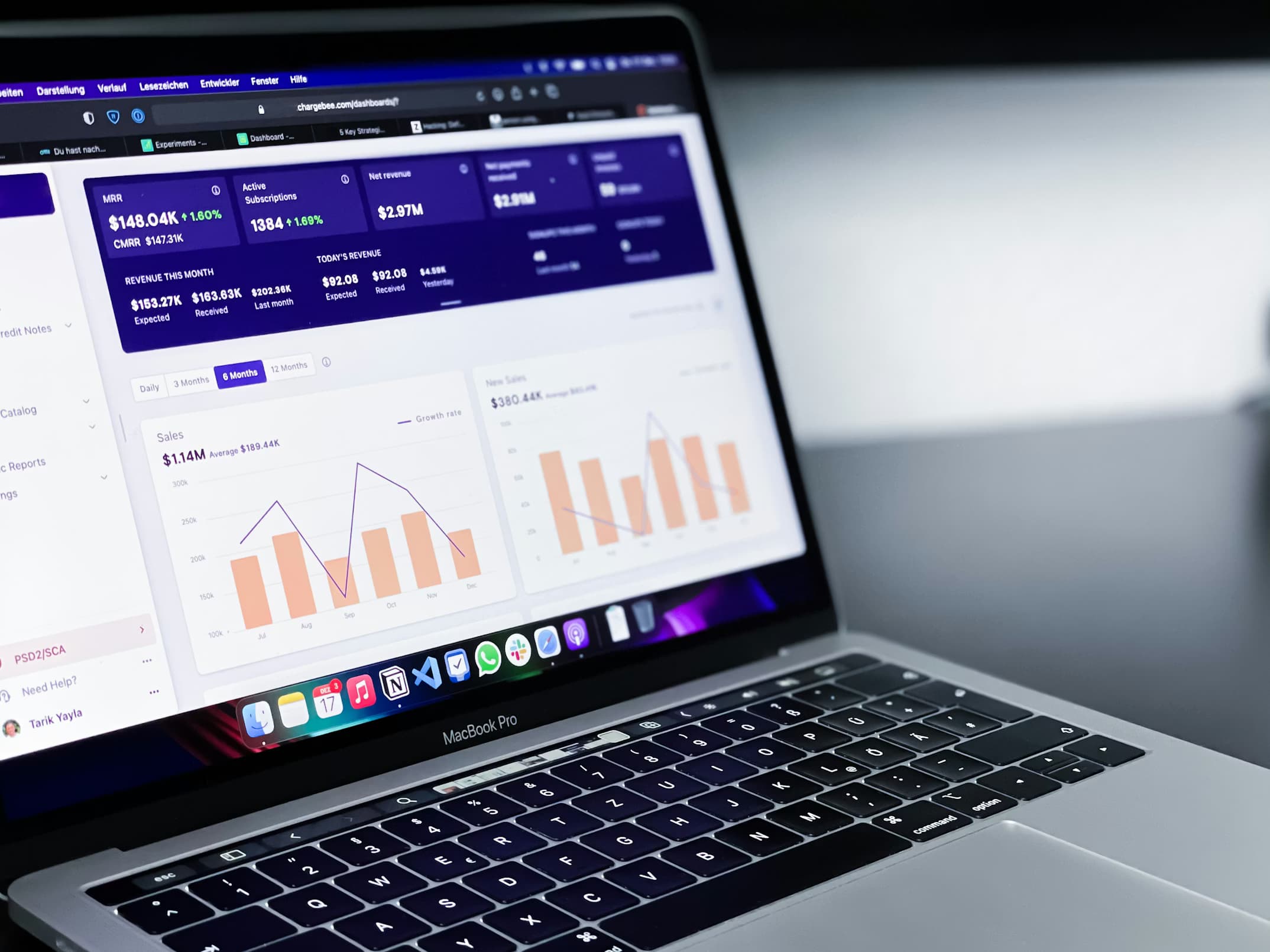
Reporting is where everything comes together. Access financial statements including income statements, balance sheets, and cash flow reports from the Reports section. All reports can be exported to PDF or Excel for sharing with your accountant or stakeholders.
We recommend taking advantage of our free onboarding support. Our team can help you import existing data, configure your settings, and train your staff to ensure a smooth transition to the DjibSmart Accounting Module.