Excel vs Business Management Software: Which One Does Your Business Actually Need?
Nearly every business in Djibouti starts the same way: a spreadsheet. It's free, everyone already knows how to use it, and for a one-person operation tracking a handful of invoices a month, it works just fine. The real question isn't whether Excel is good enough today — it's whether it will still be good enough in six months.
Excel is genuinely the right tool for a lot of situations. If you're a solo founder tracking simple income and expenses, planning a one-off budget, or building a quick list, a spreadsheet does the job with no setup cost and no learning curve. There's no shame in staying there as long as it keeps working for you.
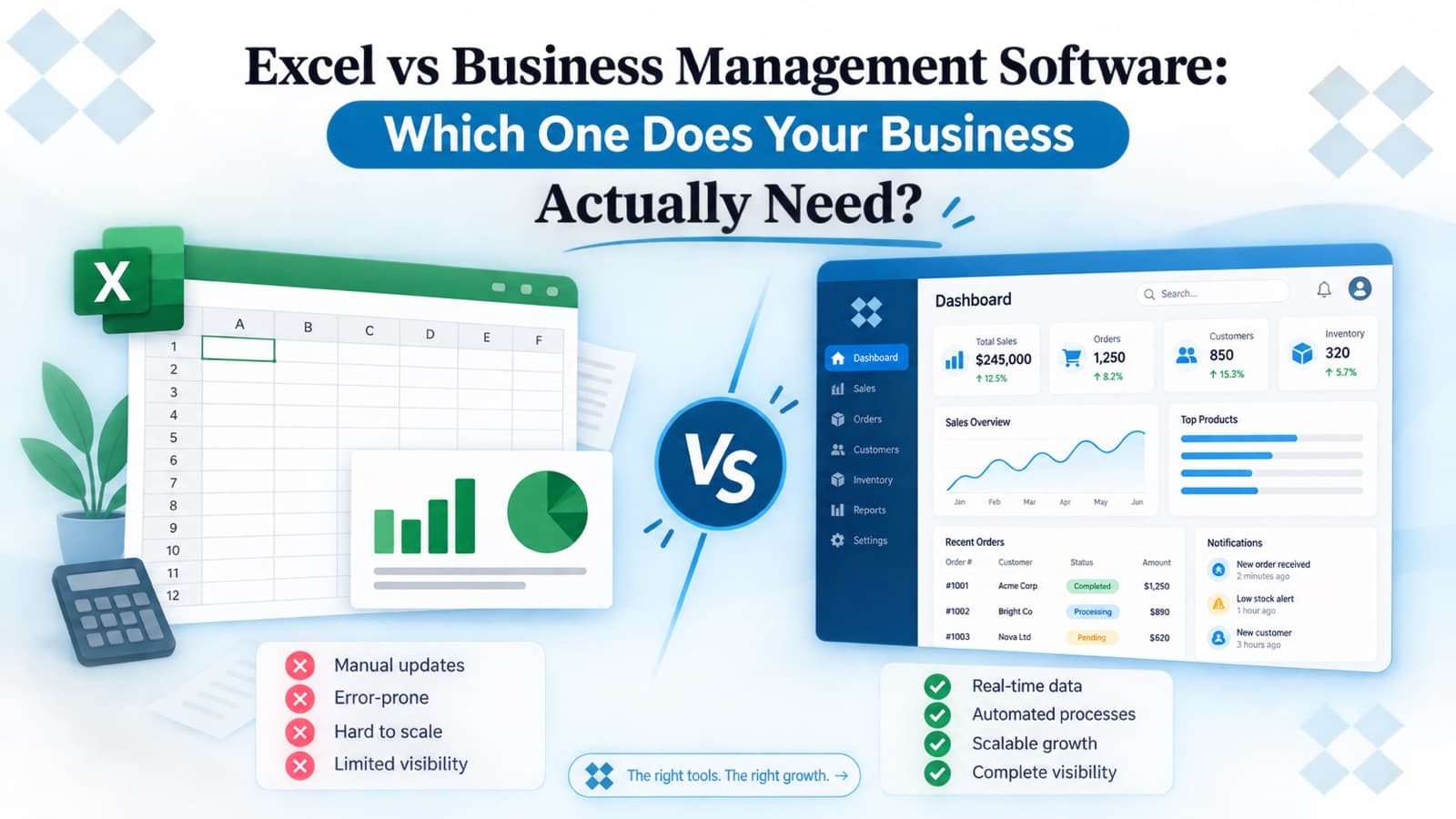
The cracks usually show up in the same few places. Two people editing the same file at once and overwriting each other's work. A formula that quietly breaks three rows down, and nobody notices for a month. A file named "Accounts_FINAL_v3_reallyfinal.xlsx" that three people each have a different copy of. None of this is really Excel's fault — it's what happens when a tool built for calculations gets stretched into a job it was never designed for: real-time, multi-user business operations.
A few signs worth paying attention to: you're spending more time reconciling numbers between sheets than actually running the business. More than one person needs to update the same records, and you're not fully sure whose version is current. You've had at least one real moment of panic because a file went missing, got overwritten, or simply didn't add up. Or you're retyping the same customer, invoice, or stock data into two or three different sheets because nothing talks to each other.
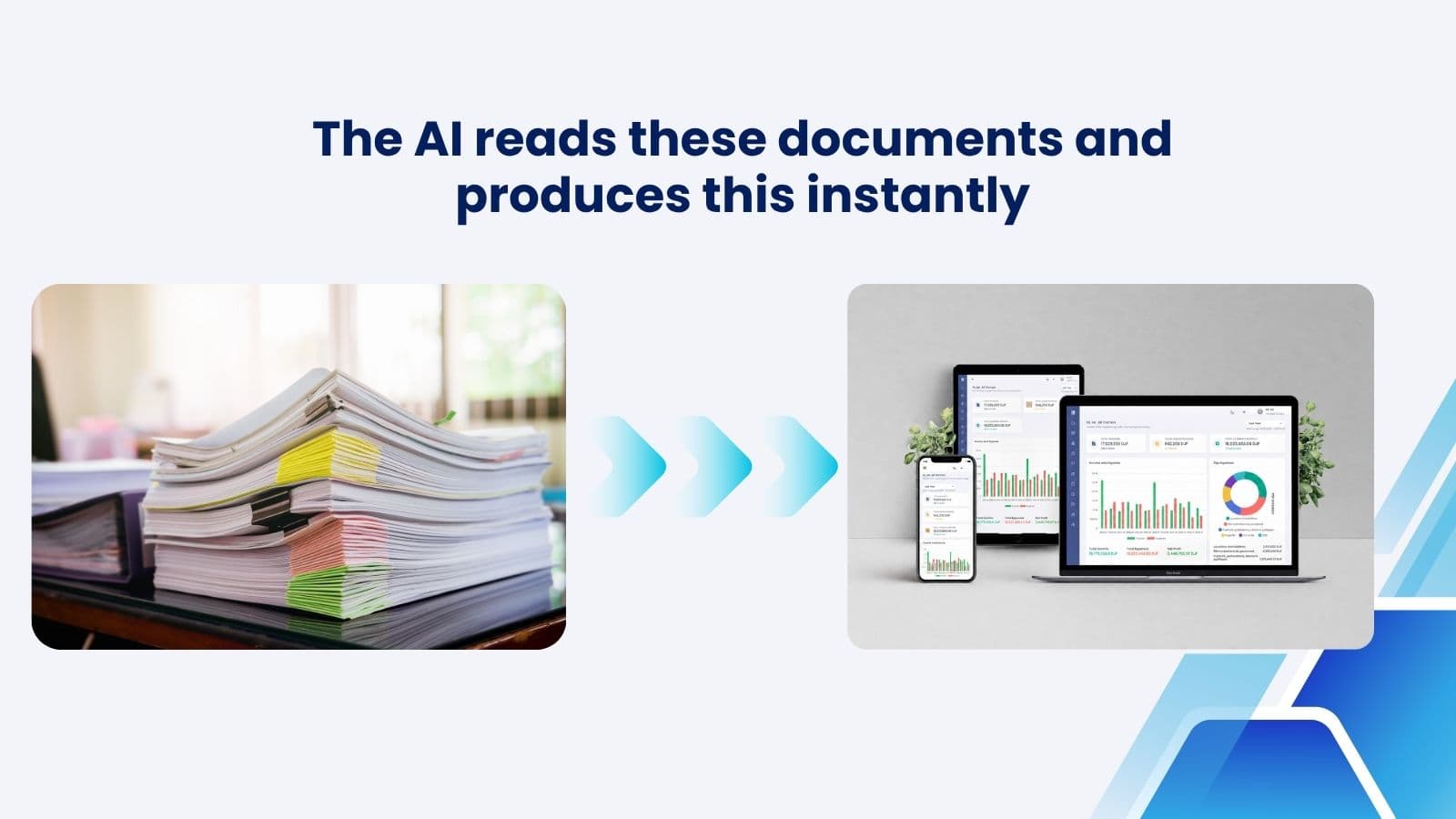
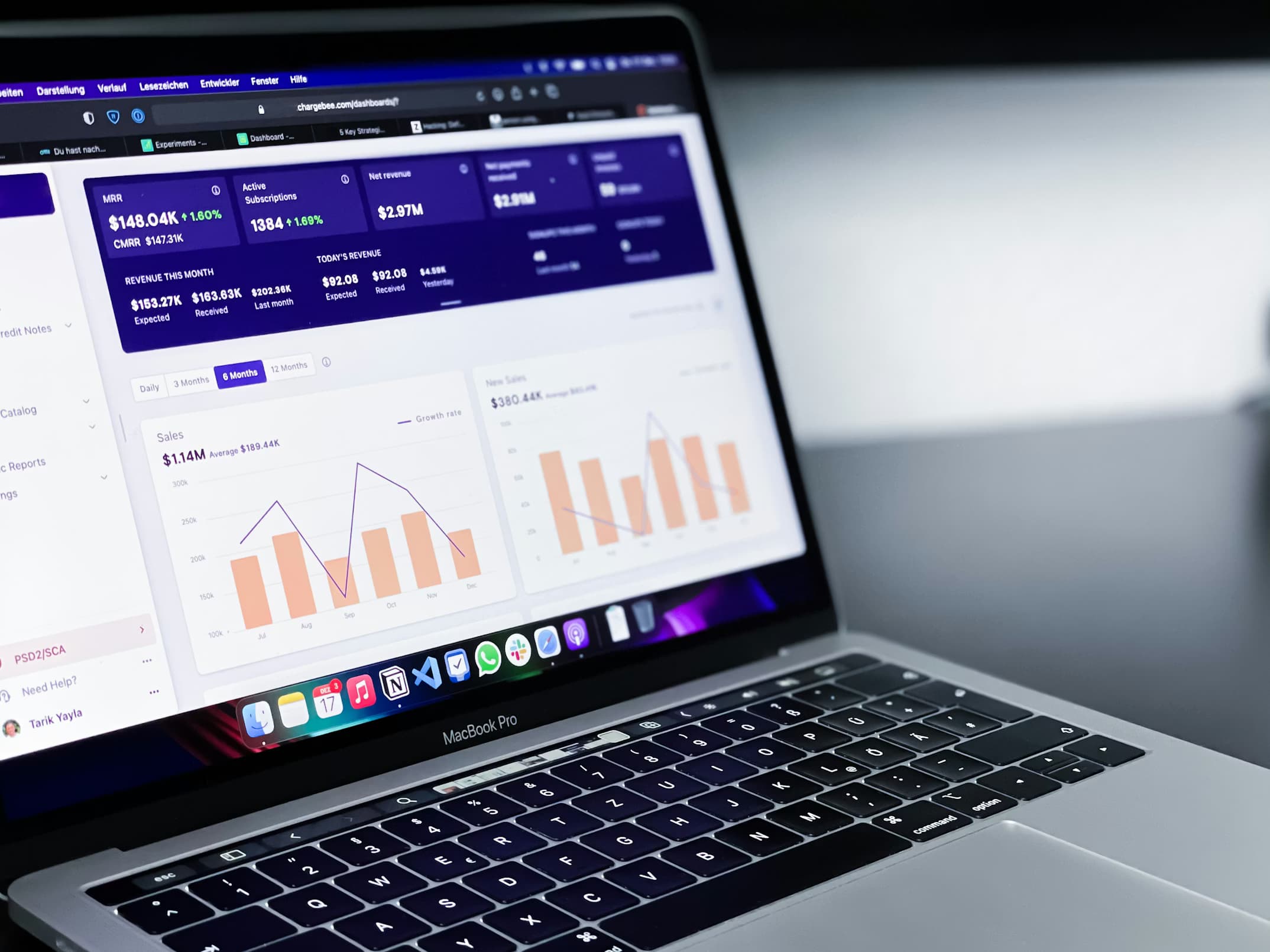
That's the point where dedicated business management software starts paying for itself — not because Excel is bad, but because the job has outgrown it. Real-time dashboards mean everyone is looking at the same numbers at the same time, not last week's exported copy. Built-in permissions mean your team can work in the same system at the same time without stepping on each other. And because everything lives in one place — invoicing, stock, customer records — you stop entering the same data three times.
One thing worth knowing if you're comparing options in Djibouti specifically: a lot of business software is priced per user, which quietly punishes you for growing your team. That's one of the things we built differently with DjibSmart's Smart Accounting and Smart Inventory — no per-user fees, so adding a new employee to the system doesn't come with a new monthly bill, and everything works in both English and French from day one.
If you're not sure yet which side of that line you're on, you don't have to guess. Grab our free starter Excel template below — built the way we'd actually recommend organizing your books as a solo founder or very small team. It's a practical way to stay organized now, and a clear signal for when you've outgrown it.
Get the Free Excel Starter Template
Enter your email and we'll send it straight to your inbox — no charge, no obligation.
Whether you stay on a spreadsheet for another year or move to something built for the job sooner, the goal is the same either way: you should be able to trust your numbers without a manual cross-check every time. If you want a second opinion on which stage you're at, contact us — happy to point you in the right direction, no obligation.